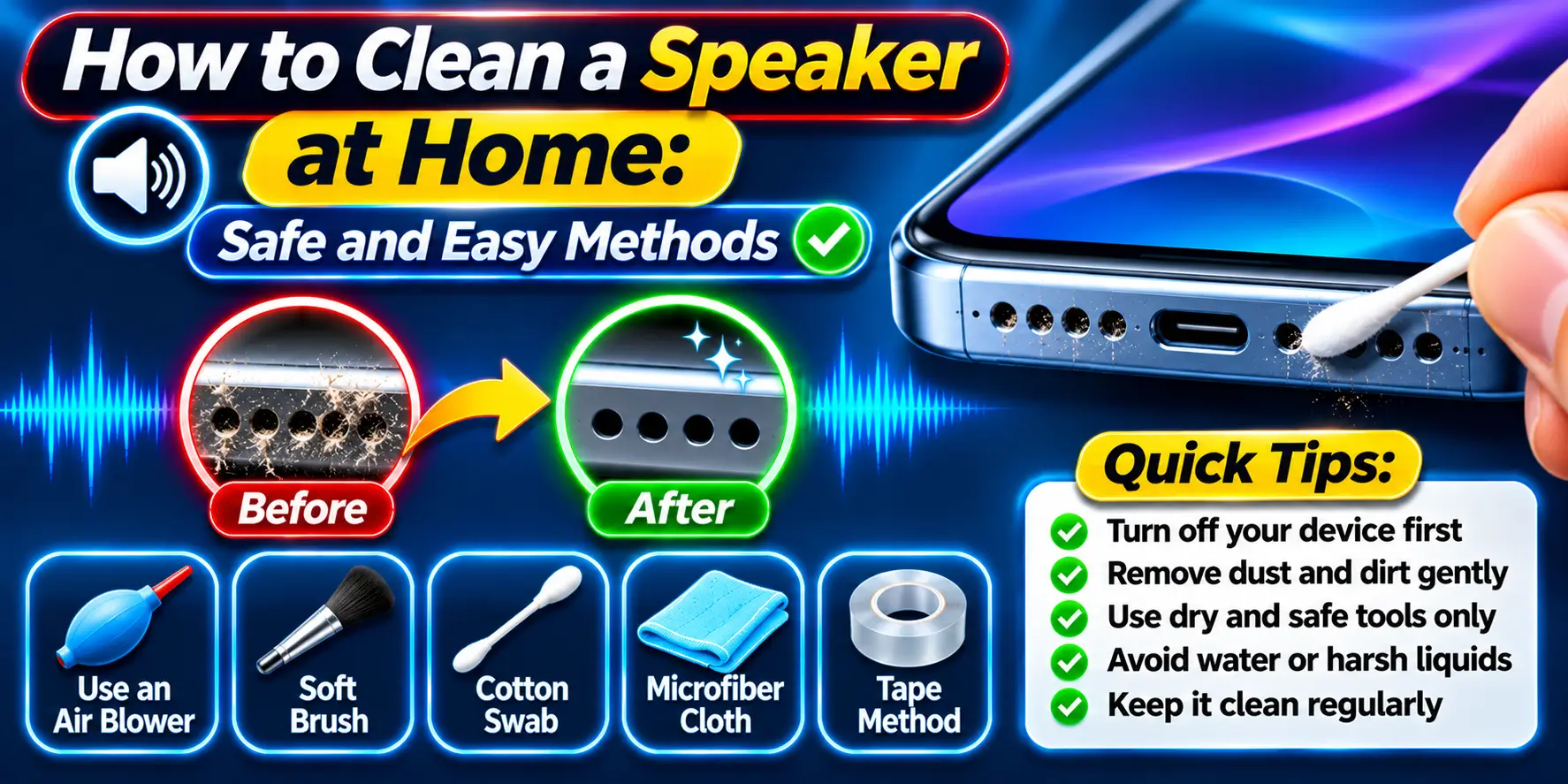
How to Clean a Speaker at Home – Safe and Easy Methods
A dirty speaker can produce weak, muffled, or unclear sound. Dust, lint, dirt, and other small particles can collect around the speaker grille and prevent sound from coming through properly.
Cleaning a speaker at home is usually simple, but it is important to use safe methods. Using too much pressure, sharp objects, or liquid can damage the speaker instead of cleaning it.
Why Does a Speaker Need Cleaning?
Speakers have small openings that allow sound to travel from the internal speaker component to your ears. Over time, dust and lint can build up around these openings.
A dirty speaker may show several signs, including:
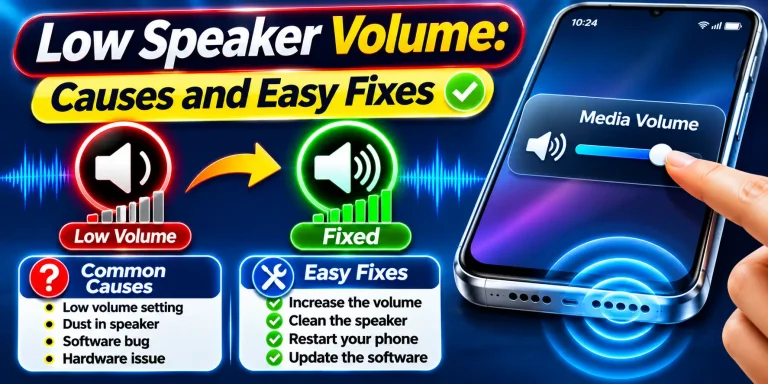
- Low speaker volume
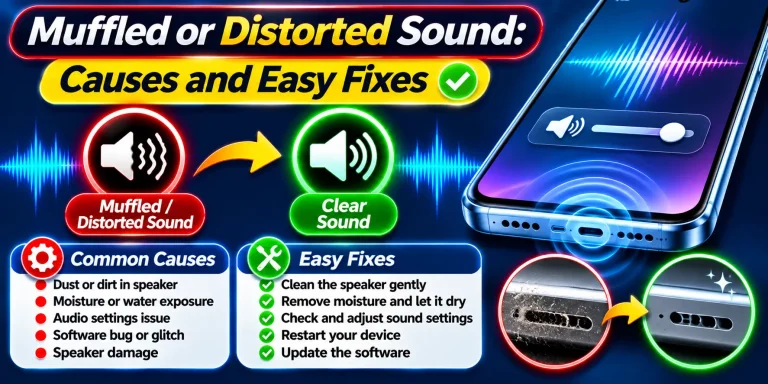
- Muffled sound
- Crackling or unclear audio
- Distorted sound
- Uneven sound from the speaker
If the sound became worse gradually, dirt or dust around the speaker grille could be one possible cause.
1. Turn Off the Device
Before cleaning, turn off your phone, tablet, laptop, or other device.
If possible, disconnect it from the charger and remove any connected accessories. Working with the device powered off reduces the chance of accidental button presses or other problems while cleaning.
If the device has recently been exposed to water, make sure it is handled carefully and allowed to dry before attempting to clean it.
2. Remove the Phone Case
If you are cleaning a phone, remove the protective case first.
Dust and lint can collect between the case and the speaker area. Cleaning only the visible speaker grille without removing the case may leave dirt trapped around the edges.
Clean the case separately with an appropriate dry or slightly damp cloth, depending on its material. Make sure it is completely dry before putting it back on the device.
3. Use a Soft, Dry Brush
One of the safest ways to clean visible dust from a speaker grille is to use a small, soft, dry brush.
Gently brush across the speaker openings without pushing the bristles deeply into the grille. The goal is to loosen surface dust rather than force it farther inside.
A clean, soft toothbrush can work for some devices, but avoid using a brush with hard or damaged bristles.
4. Use a Dry Microfiber Cloth
A microfiber cloth can help remove dust and dirt from the area surrounding the speaker.
Gently wipe the speaker grille and nearby surfaces. Do not press hard against the openings.
If there is visible dirt that does not come off easily, do not scrape it with a sharp object. Forcing something into the grille can damage the protective mesh or internal speaker component.
5. Do Not Pour Water Into the Speaker
One of the biggest mistakes when cleaning a speaker is using liquid directly on the speaker openings.
Water, cleaning solutions, alcohol, or other liquids can enter the device and cause serious damage.
Even if the device is water-resistant, it is not a good idea to deliberately introduce liquid into the speaker openings.
Use dry cleaning methods whenever possible.
6. Avoid Sharp Objects
Do not use needles, pins, paper clips, knives, or similar objects to remove dirt from the speaker grille.
These objects can puncture or damage the protective mesh and may also push dirt deeper into the device.
If something is stuck inside the grille and cannot be removed safely from the surface, it is better to leave it alone than risk damaging the speaker.
7. Be Careful With Compressed Air
Compressed air can appear to be an easy way to remove dust, but using strong air pressure directly against small speaker openings can be risky.
A strong blast can push dust and debris deeper into the device.
If compressed air is specifically recommended for your device, follow the manufacturer’s instructions and use it carefully. For most basic speaker cleaning, a soft brush and microfiber cloth are safer and simpler choices.
8. Try a Speaker Cleaning Sound
Some speaker-cleaning tools use specially designed audio frequencies to create vibrations through the speaker.
These vibrations may help move small particles or moisture away from the speaker opening.
This method can be useful when the speaker sounds muffled after exposure to a small amount of moisture. However, it should not be considered a replacement for physical cleaning or professional repair when the speaker has serious damage.
9. Test the Speaker After Cleaning
Once you have finished cleaning, turn the device back on and test the speaker.
Play music, a video, or another familiar audio source at a moderate volume. Compare the sound with how it sounded before cleaning.
If the speaker is clearer and louder, the problem may have been caused by dirt or debris around the speaker opening.
If there is no noticeable improvement, the problem may be related to software, moisture, audio settings, or hardware rather than surface dirt.
What If the Speaker Is Still Muffled?
If cleaning does not improve the sound, check other possible causes.
Make sure the volume is turned up, Bluetooth is disconnected if you are not using it, and the correct audio output is selected.
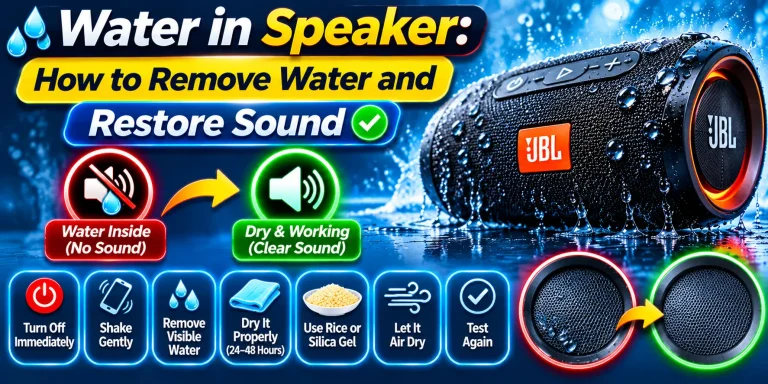
If the speaker was recently exposed to water, moisture may still be affecting the sound.
Persistent crackling, buzzing, distortion, or very low volume can also indicate physical damage. In these situations, professional inspection may be necessary.
How Often Should You Clean Your Speaker?
There is no fixed cleaning schedule for every device.
If you regularly keep your phone in a pocket or bag where it collects lint and dust, check the speaker area occasionally.
A quick visual inspection every few weeks can help you notice buildup before it becomes a bigger problem. Clean the speaker whenever you can see noticeable dust or when the sound quality begins to change.
Final Thoughts
Cleaning a speaker at home does not require complicated equipment. Start by turning off the device and removing the case. Then gently clean the speaker grille with a soft, dry brush and microfiber cloth.
Avoid water, sharp objects, excessive pressure, and aggressive air blasts. These methods can cause more damage than the dirt you are trying to remove.
If the speaker remains muffled, distorted, or unusually quiet after cleaning, the cause may be moisture, software, settings, or hardware damage rather than dirt alone.
Frequently Asked Questions
What is the safest way to clean a speaker?
A soft, dry brush and microfiber cloth are generally suitable for removing visible dust and lint from the speaker grille.
Can I clean my speaker with water?
Do not pour or spray water directly onto the speaker. Liquid can enter the device and cause damage.
Can I use a toothbrush to clean my speaker?
A clean, soft-bristled toothbrush can be used gently on some speaker grilles. Avoid hard bristles and do not push the brush deeply into the openings.
Can I use a pin to clean speaker holes?
No. Sharp objects can damage the speaker grille or internal components and may push dirt deeper into the device.
Can dust make a speaker quieter?
Yes. Dust and lint can block part of the speaker grille and reduce sound clarity or volume.
What should I do if cleaning does not fix the speaker?
If the speaker remains muffled or distorted after cleaning, check the audio settings, Bluetooth connection, and possible moisture exposure. If the problem continues, the speaker may have a hardware issue and require professional inspection.